Resource Hub
Watch, learn and do it yourself.
Short videos and step-by-step guides for dentists and their teams, from running AI Analytics to ordering a radiologist’s report.
Videos
See exactly how it works.
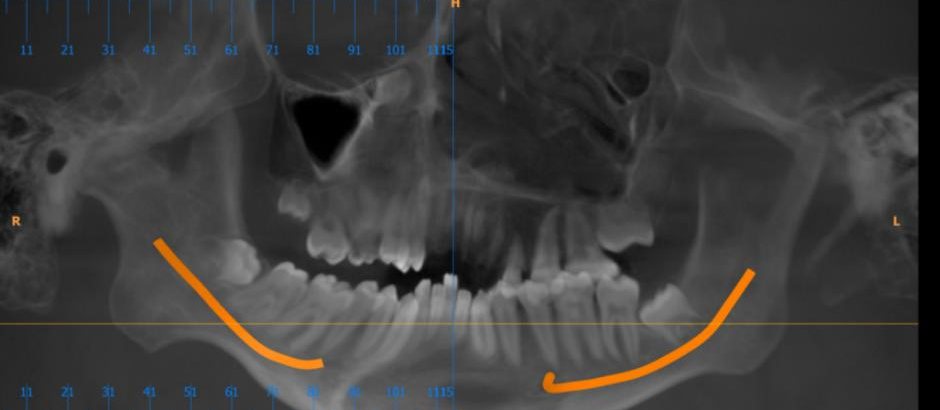 How-to
Order a radiologist’s reportFrom upload to the report in your dashboard.
How-to
Order a radiologist’s reportFrom upload to the report in your dashboard.
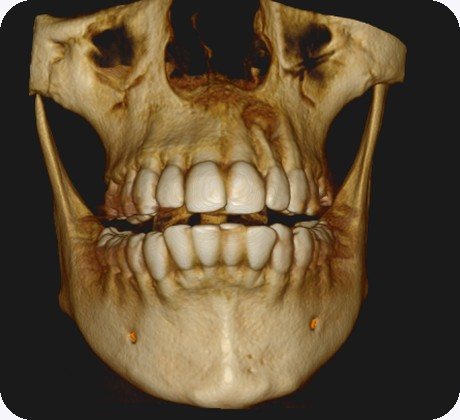 Demo
View a CBCT in your browserSlices, measurements and sharing.
Demo
View a CBCT in your browserSlices, measurements and sharing.
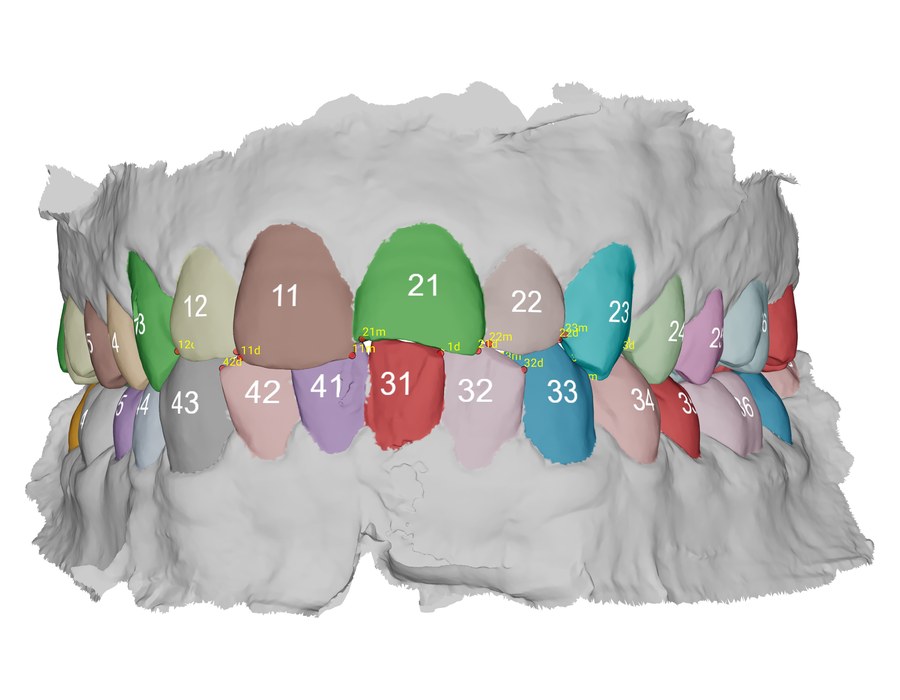 How-to
Send a lab order with the scanStructured case orders and design approval.
How-to
Send a lab order with the scanStructured case orders and design approval.
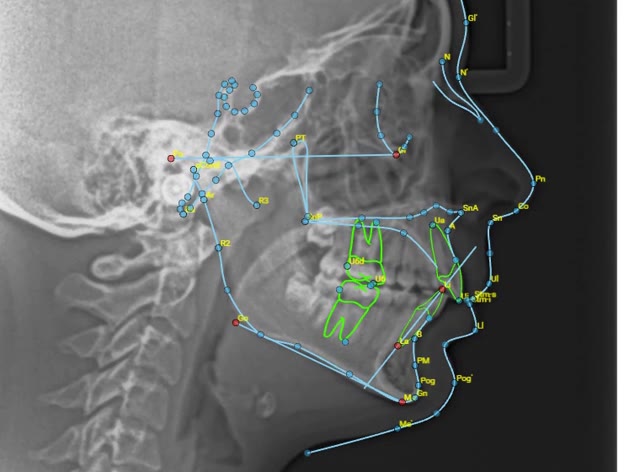 AI Analytics
Ceph AI AnalysisCephalometric tracing with AI.
AI Analytics
Patient Photo Analysis: lateralProfile analysis from a side photo.
AI Analytics
Ceph AI AnalysisCephalometric tracing with AI.
AI Analytics
Patient Photo Analysis: lateralProfile analysis from a side photo.
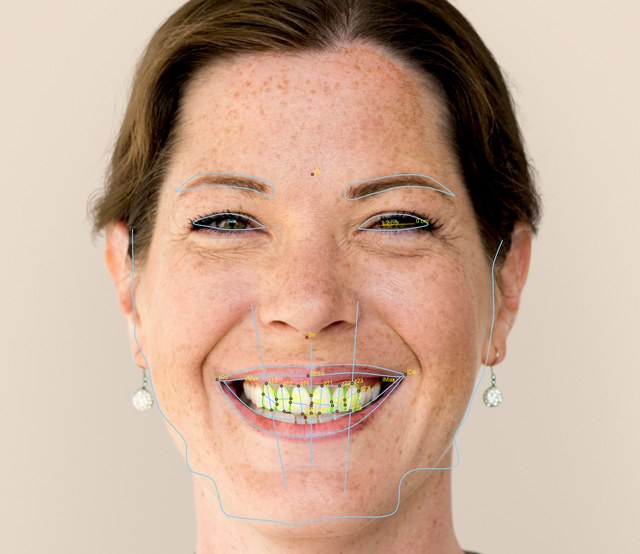 AI Analytics
Patient Photo Analysis: frontalSymmetry and proportions from a front photo.
AI Analytics
Intraoral scan (IOS) analysisAI analysis of an intraoral scan.
AI Analytics
Patient Photo Analysis: frontalSymmetry and proportions from a front photo.
AI Analytics
Intraoral scan (IOS) analysisAI analysis of an intraoral scan.
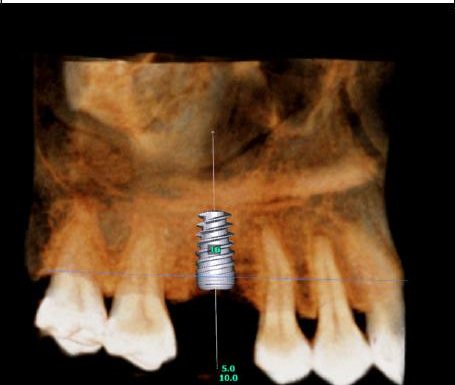 Service
Plan an implant caseFrom CBCT to surgical guide design.
How-to
Recharge your WalletBy card, UPI or net banking.
Service
Plan an implant caseFrom CBCT to surgical guide design.
How-to
Recharge your WalletBy card, UPI or net banking.Step by step
Order a radiologist’s report yourself.
The same five steps every dentist follows.
- RegisterCreate a free account at cloud.dentread.com.
- Upload the scanDrag in DICOM files or images from your machine.
- Choose the serviceChoose the report type and add your clinical question.
- Pay from your WalletPay per case, with no subscription. Recharge by card, UPI or net banking. Message us on WhatsApp for your region’s rate card.
- Open the reportIt appears in the patient’s record in your dashboard.
See Dentread on your kind of cases.
A 30-minute demo with our team, on cases like the ones you see every day.