Solutions / Services / AI Analytics
AI Analytics · Self-serve
Ceph, photo and intraoral scan analysis, in minutes.
Upload a ceph, a lateral or frontal patient photo, or an intraoral scan (IOS), and run AI Analytics on it yourself. See the results in minutes, plan the treatment and show the patient.
Start with a free ceph, photo or model analysis.
How it works
Four steps, all in your own account.
You upload the file, run the analysis and review the results yourself.
- Upload the fileA ceph, a lateral or frontal patient photo, or an intraoral scan (IOS).
- Run the analysisCeph, patient photo or IOS analysis, with results in minutes.
- Review the resultsAdjust any point or measurement. You stay in charge.
- Plan and explainUse the results in the treatment plan and in your consultation.
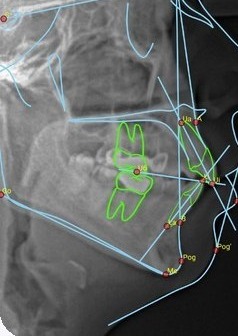
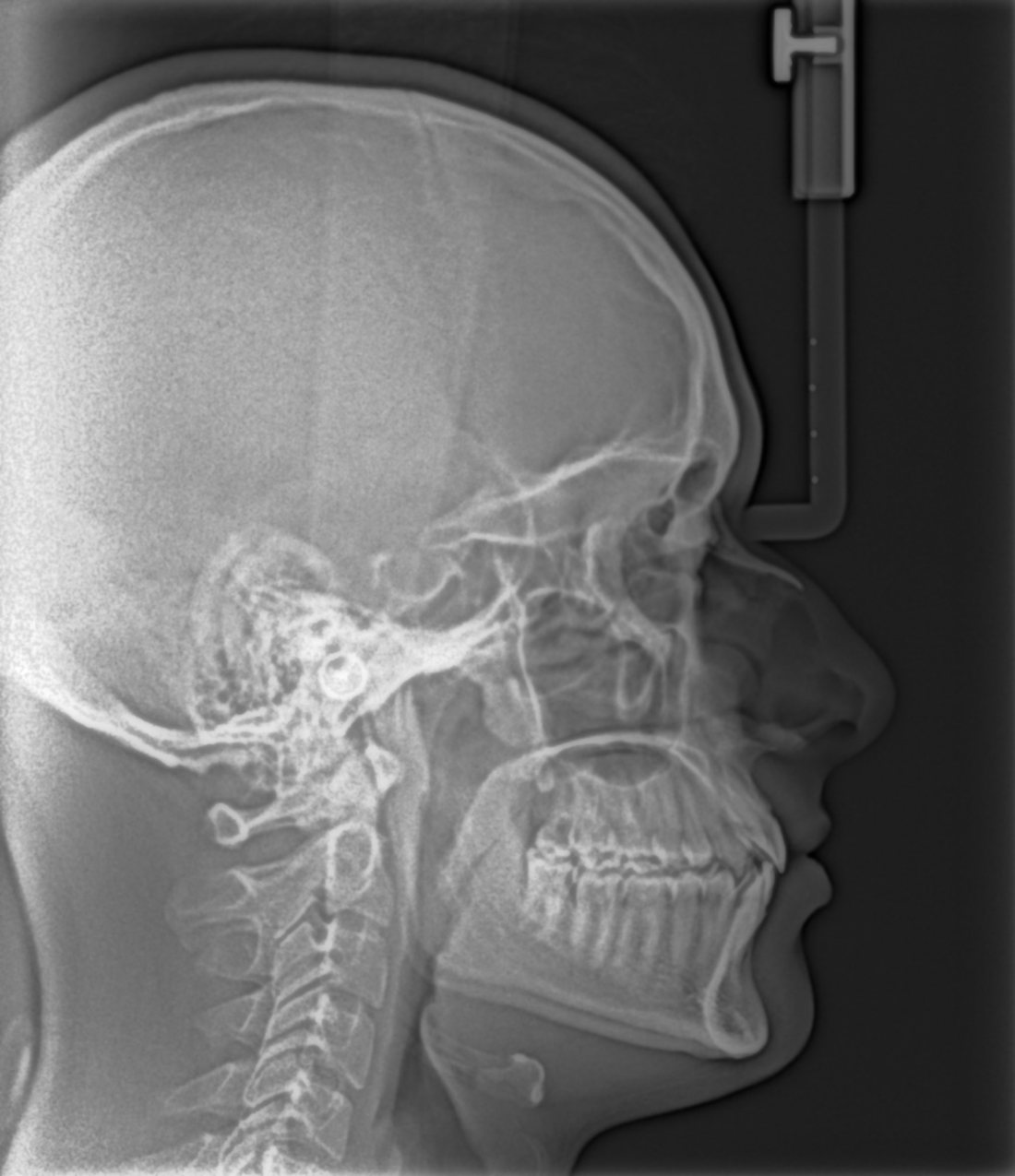
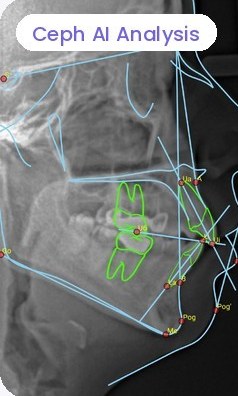
Ceph AI Analysis
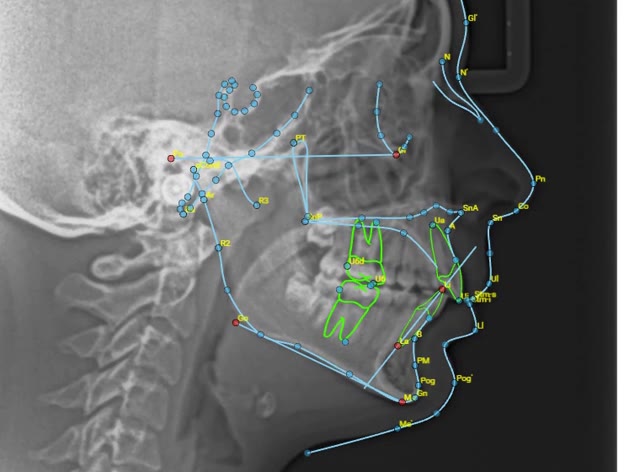
Cephalometric tracing in minutes.
Landmarks are traced and measurements calculated for you, ready to adjust and use in orthodontic planning.
- Automatic landmarksMove any point, and the analysis updates.
- Standard analysesMeasurements laid out for treatment planning.
- Show the patientA clear view for the consultation.
Patient Photo Analysis
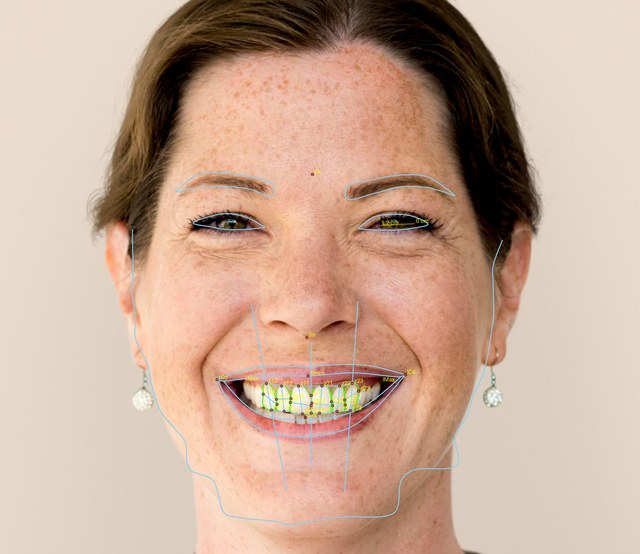
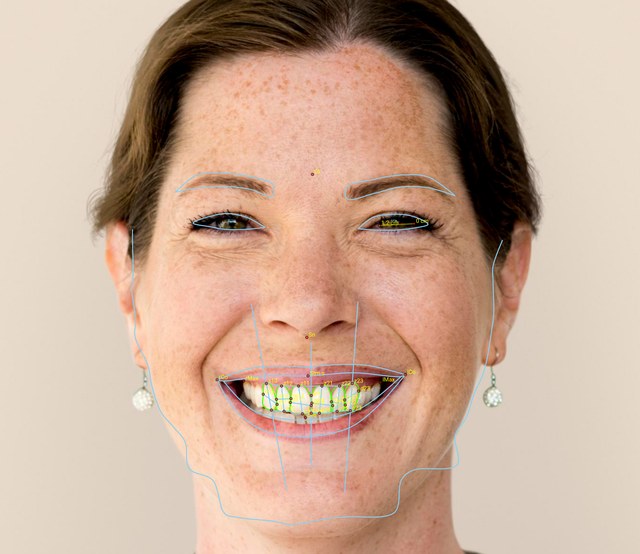
Facial analysis from lateral and frontal photos.
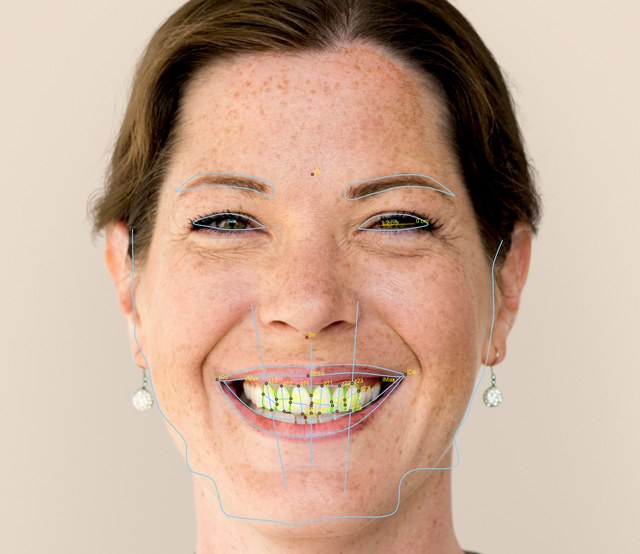
Take a lateral and a frontal photo on your phone. AI measures profile angles from the lateral photo, and facial symmetry and proportion ratios from the frontal photo, to support orthodontic and aesthetic planning.
- Lateral: profile anglesSoft-tissue profile angles from a side photo.
- Frontal: symmetry and proportionsFacial symmetry and proportion ratios from a front photo.
- From any camera or phoneUpload by QR code from the chair. Every analysis is saved to the patient’s record.
IOS Analysis
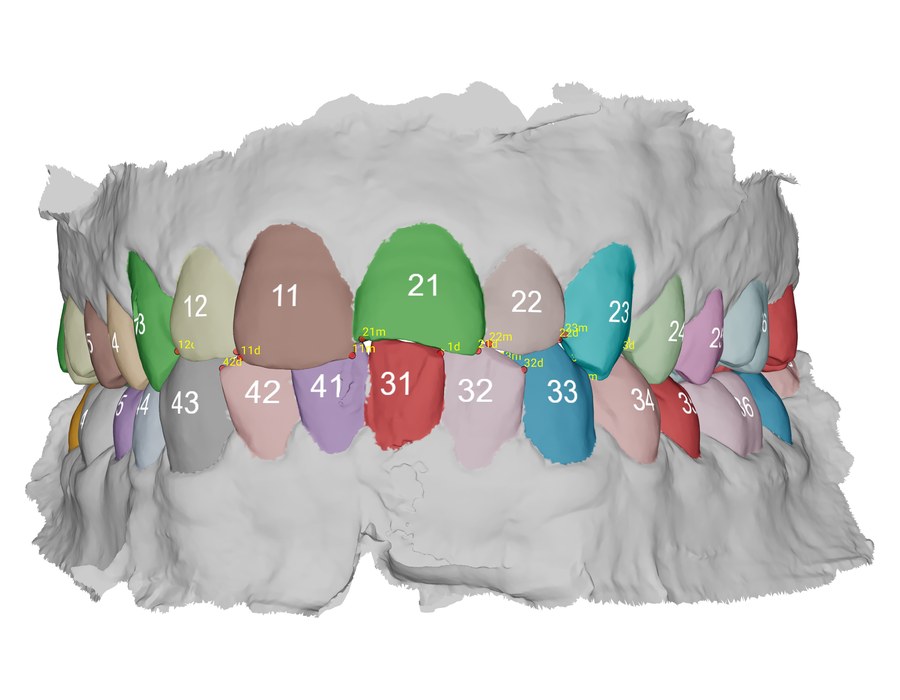
Arch and space analysis, straight from the scan.
Run AI on an intraoral scan to measure arch length, run a space analysis and calculate the Bolton ratio for orthodontic and restorative planning, without plaster models or callipers.
- From any intraoral scannerSTL, PLY and OBJ files, including scans sent straight from AlliedStar.
- You review and adjustThe clinical decision is always yours.
- Straight into the treatment planResults carry into the plan and the patient consultation.
Not the same as a report
Two separate services.
Use AI Analytics when you want to analyse a case yourself, right now. Order a report through Dentofacial Diagnostic Reporting when you want a radiologist’s written opinion.
| Self-serveAI Analytics | By our radiologistsDiagnostic Reporting | |
|---|---|---|
| Who does the work | You, with AI | A qualified oral and maxillofacial radiologist |
| What it covers | Ceph, patient photo (lateral and frontal) and IOS analysis | CBCT, OPG, cephalogram and intraoral X-rays |
| When you get it | In minutes, as soon as you run it | Typically within 8–10 working hours* |
| What you get | AI tracing, measurements and analysis for you to review | A signed radiologist’s report |
| Best for | Chairside planning and patient consultations | A specialist’s written opinion and complex cases |
*Working hours: 10 am–6 pm IST, Monday to Friday, excluding public holidays.
Watch
See it, then try it yourself.
 AI Analytics
Ceph AI AnalysisCephalometric tracing and measurements with AI.
AI Analytics
Patient Photo Analysis: lateralProfile analysis from a side photo.
AI Analytics
Ceph AI AnalysisCephalometric tracing and measurements with AI.
AI Analytics
Patient Photo Analysis: lateralProfile analysis from a side photo.
 AI Analytics
Patient Photo Analysis: frontalSymmetry and proportions from a front photo.
AI Analytics
IOS AnalysisAI analysis of an intraoral scan.
AI Analytics
Patient Photo Analysis: frontalSymmetry and proportions from a front photo.
AI Analytics
IOS AnalysisAI analysis of an intraoral scan.FAQ
Common questions.
How quickly do I get the results?
In minutes. There is no order to place and no queue to wait in.
Does it replace a radiologist or my own judgement?
No. AI does the tracing and analysis for you to review; the diagnosis and the treatment decision stay with you. For a written opinion, order a radiologist’s report.
Do I need all of Dentread OS?
No. You can register for AI Analytics and use it on its own, or with the rest of Dentread OS.
What can I analyse?
Lateral cephalograms, lateral and frontal patient photos, and intraoral scans (STL, PLY or OBJ). For CBCT, OPG and intraoral X-rays, order a radiologist’s report through Dentofacial Diagnostic Reporting.
How do I pay?
From your Dentread Wallet. You can recharge it under Settings → Wallet by card, UPI or net banking.
Where can I see the prices?
Prices depend on the service and the region, so we share the rate card directly. Message us on WhatsApp for your region’s rate card.
Run AI Analytics on your next case.
Start with a free ceph, photo or model analysis. Register in a few minutes and run it on your own patients’ cephs, photos and scans.