DMD Imaging
Dental imaging centres, Delhi NCR
Every scan, report and referral runs on Dentread, from patient self-registration at the front desk to the report the referring dentist opens on their phone.
Solutions / Dentread OS / Image Management & RIS-PACS
Image Management & RIS-PACS
A vendor-neutral cloud archive and viewer for every clinic, with a complete RIS-PACS for dental imaging centres: referrals, worklist, reporting and delivery.
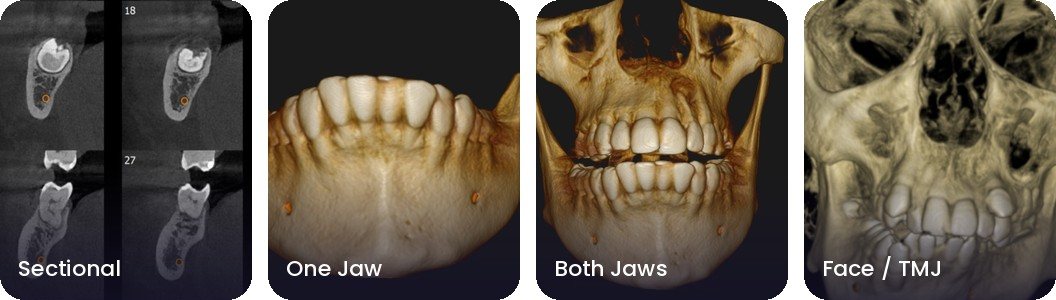
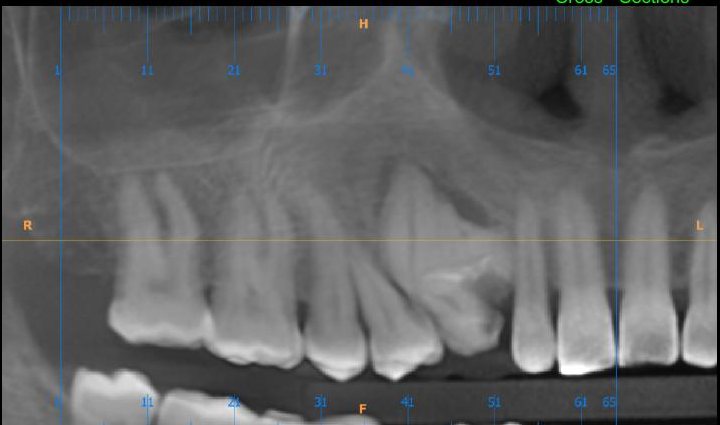 Panoramic
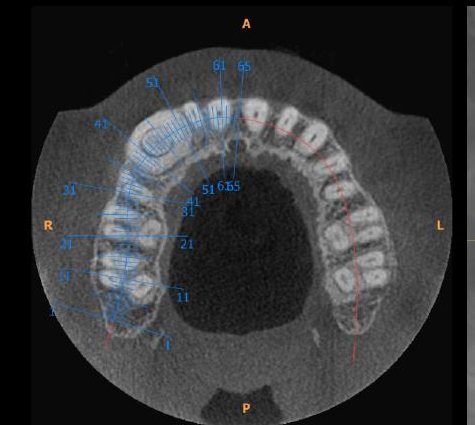 Axial
Axial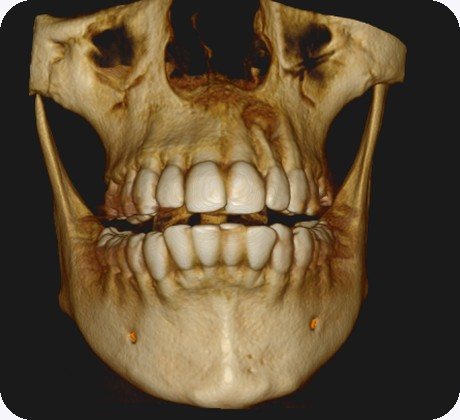 3D
3D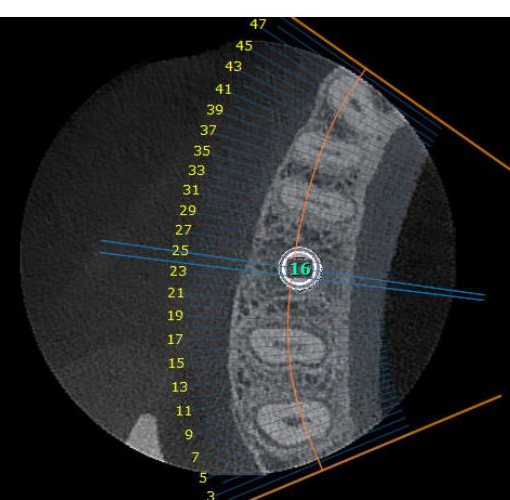 Arch
ArchCloud archive · PACS
CBCT, OPG, cephalogram, intraoral and face scans from any DICOM-compatible machine, stored securely in the cloud rather than on one computer.
Viewer
Open scans of any size online. There is no software to install.
RIS · Imaging centres
Patient self-registration, referrals, billing and case dashboards in one system.
Reporting
Write the report with the viewer built in, then deliver it straight to the referring dentist’s dashboard.
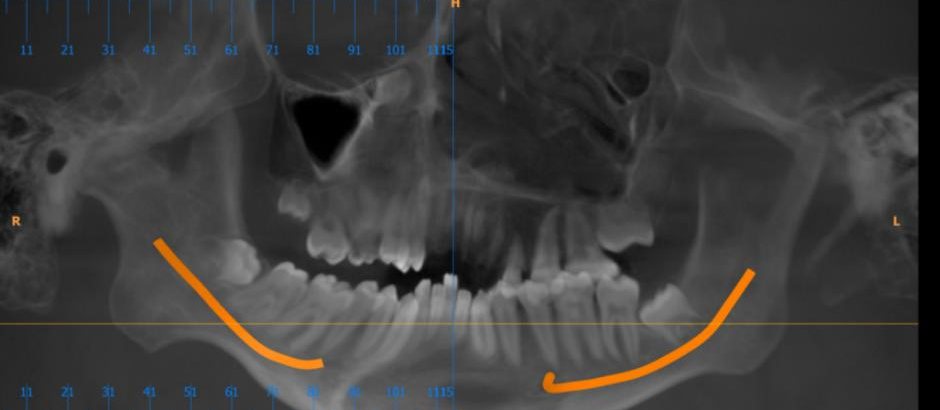 Pano · canals traced
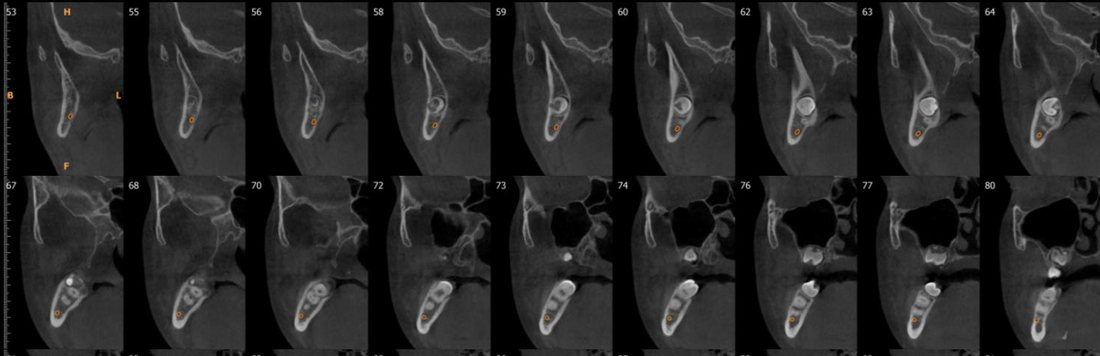 Cross-sections
Grow referrals
Referring clinics see their patients’ images and reports in their own dashboard.
Dental imaging centres, Delhi NCR
Every scan, report and referral runs on Dentread, from patient self-registration at the front desk to the report the referring dentist opens on their phone.
Part of Dentread OS. Use it on its own or with the rest.
FAQ
CBCT, OPG, cephalogram and RVG images, intraoral and face scans (STL, PLY and OBJ), and patient photos and videos.
No. The only thing you install on clinic computers is the image sync app.
Open the scan and tap Share. Your colleague gets a secure link that opens in any browser, so there’s no CD or pen drive to send.
Yes. Use Dentread’s smart reporting templates or your own.
Just a Dentread login. They send referrals online and open images and reports from their dashboard, on any device.
Use Dentread free for 30 days with your real patients, alongside the software you already use.